Your New Online Payment Portal
Manage your Superior Energy account online with convenient payment options, including ACH payments directly from your checking account. All customers accessing the new portal for the first time will need to register, even if they used our previous online payment system.
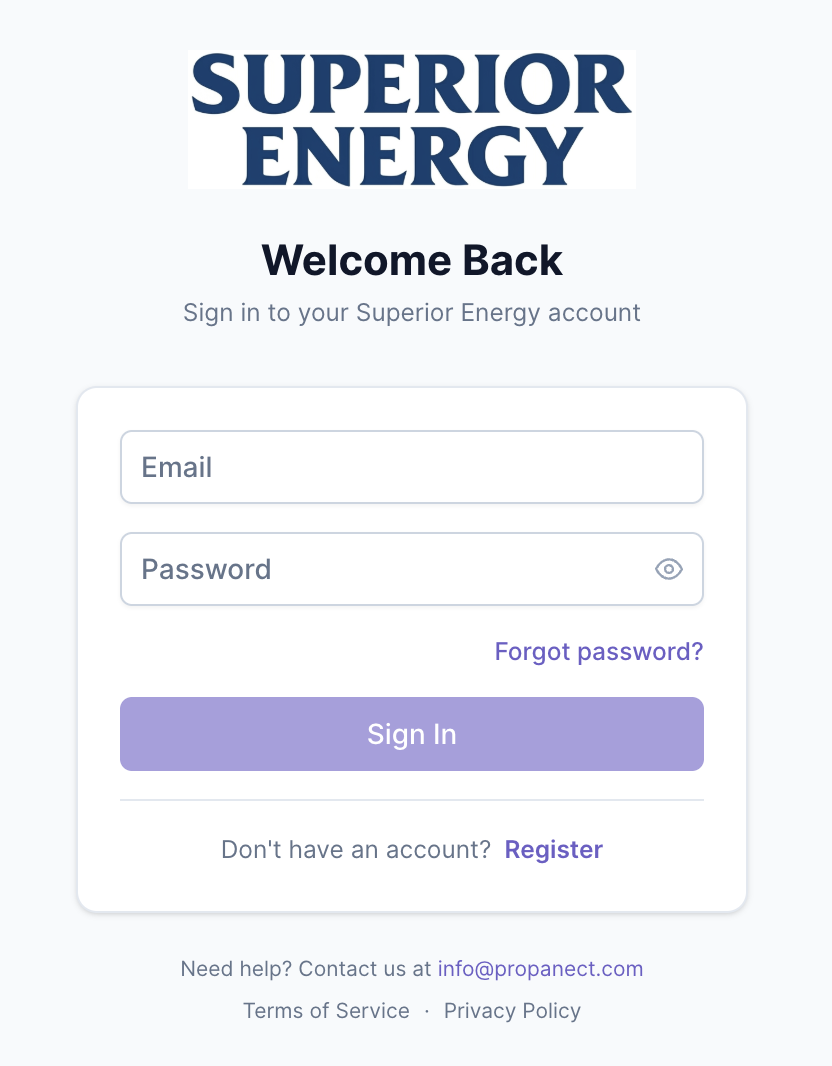
Already registered? Sign in to your account
note: login email addresses are case sensitive
Already Using Automatic Payments?
Good news! Your existing automatic payment arrangements have carried over to our new system. No action is required to continue your automatic payments.
You only need to register if you'd like to access your account online.
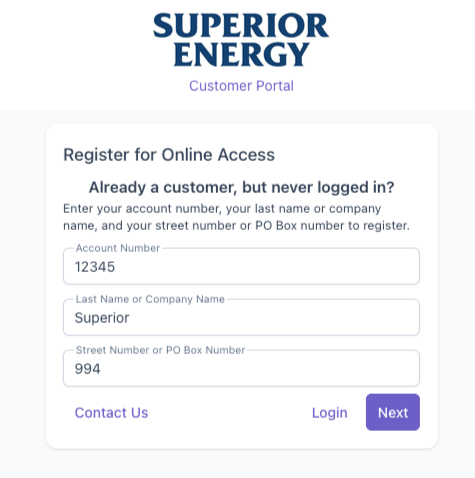
How to Register for Online Access
All customers accessing the new portal for the first time will need to register, even if they used our previous online payment system.
Enter your Superior Energy account number.
Enter the last name or company name on your account (case sensitive).
Enter the street number or P.O. Box number of your mailing address (numbers only).
Follow the on-screen prompts to complete registration and create your login credentials.
NEW! Pay Directly From Your Checking Account
Our new portal offers ACH payments, a convenient way to pay directly from your checking account without worrying about expired or replaced credit cards.
Frequently Asked Questions
-
Yes. If you want to access the new online portal, you must register and create new login credentials, even if you previously used online payments with RCC or the app.
-
Yes. Existing automatic payment arrangements have carried over. No action is needed to continue them.
-
There is no separate app for the new system. The portal is mobile-friendly and can be accessed through your phone's web browser.
-
Your account number, the last name or company name on your account, and the numeric portion of your mailing address.
-
Call the Superior Energy office at 860-875-6221.
Need Help? We're Here for You.
Our local team is happy to help you with your online account.